> ## Documentation Index
> Fetch the complete documentation index at: https://docs.autocleaneeg.org/llms.txt
> Use this file to discover all available pages before exploring further.
# Welcome to the AutocleanEEG Pipeline!
> Automated EEG Processing Software
**AutocleanEEG Pipeline** is an easy-to-use command line application for automated EEG processing designed to be **modular**, **reproducible**, and **audit-ready**.
The **AutocleanEEG Pipeline** is built on a foundation of [MNE-Python](https://mne.tools/stable/index.html) and other opensource tools. We have also incorporated new features such as **AI Vision** based ICA component rejection. Our approach was inspired in part by the excellent framework implemented in [PyLossless](https://pylossless.readthedocs.io/en/latest/).
The [principal investigator](https://scholar.google.com/citations?user=5vxtu0QAAAAJ\&hl=en) has over 25+ years of signal processing experience. Our focus is on an easy to use tool with the ability to support complex, custom pipelines for advanced EEG analysis at scale.
**Prerequisites**:
* [uv Python Package Manger](https://github.com/astral-sh/uv)
## QuickStart
```bash stable theme={null}
uv tool install autocleaneeg-pipeline
```
```shell development theme={null}
uv tool install git+https://github.com/cincibrainlab/autoclean_pipeline.git
```
```bash theme={null}
autocleaneeg-pipeline
```
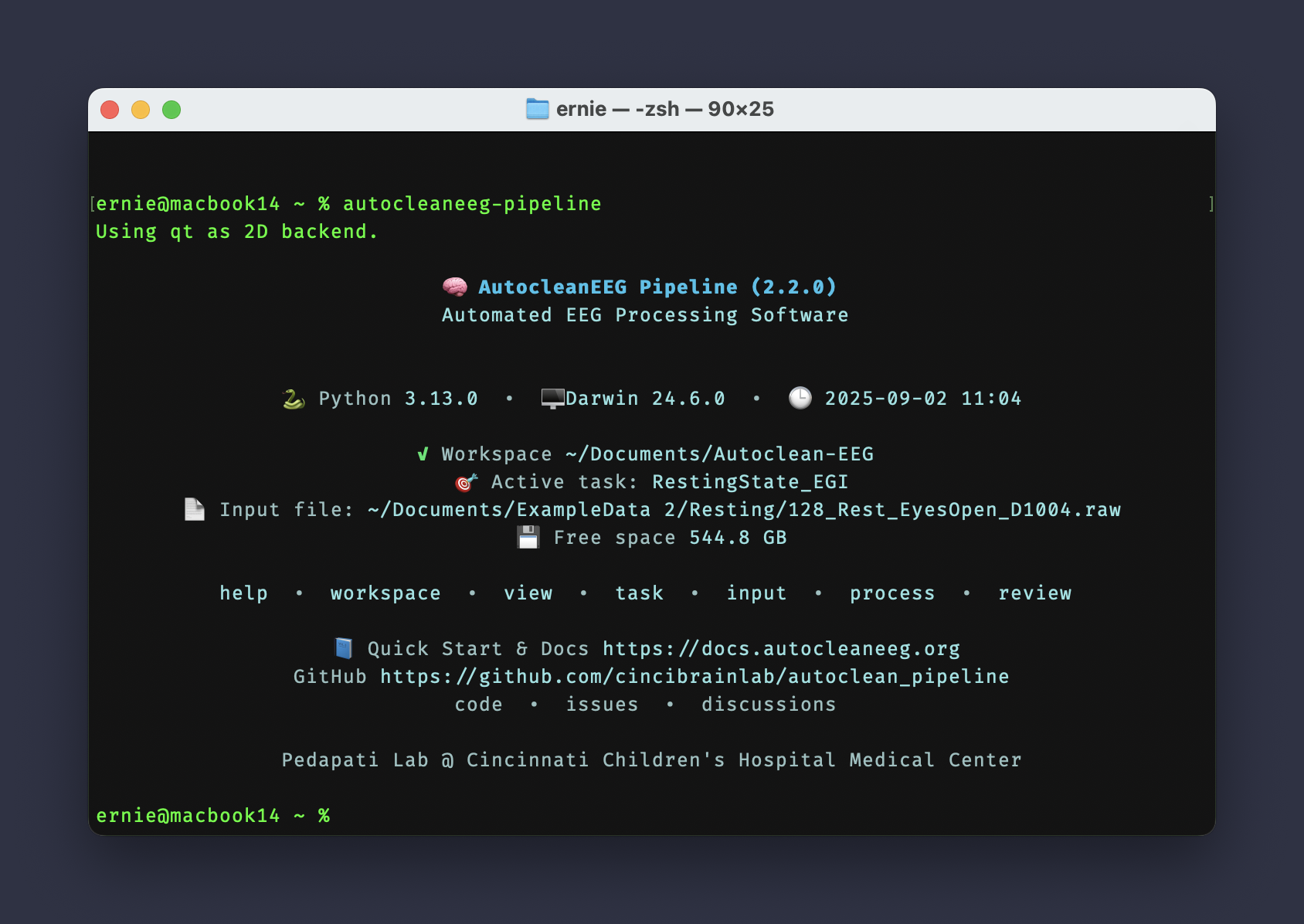 AutocleanEEG’s welcome page highlights system details, workspace setup, key commands, and provides links to documentation and the code repository.
```bash theme={null}
autocleaneeg-pipeline help
```
AutocleanEEG’s welcome page highlights system details, workspace setup, key commands, and provides links to documentation and the code repository.
```bash theme={null}
autocleaneeg-pipeline help
```
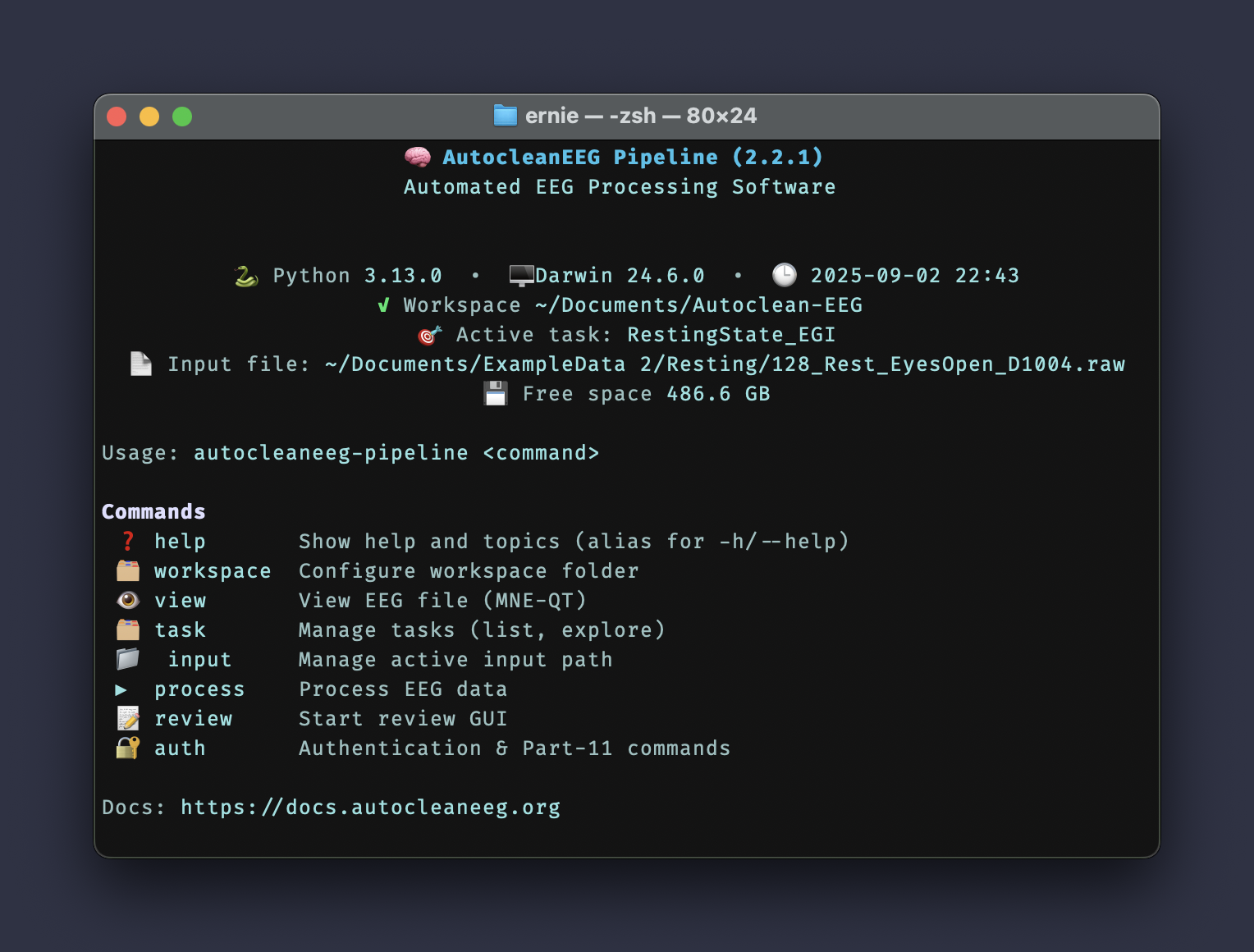 AutocleanEEG's help command displays all available commands including workspace configuration, file viewing, task management, data processing, review GUI, and authentication features.
```bash theme={null}
autocleaneeg-pipeline view /path/to/your_file.set
```
AutocleanEEG's help command displays all available commands including workspace configuration, file viewing, task management, data processing, review GUI, and authentication features.
```bash theme={null}
autocleaneeg-pipeline view /path/to/your_file.set
```
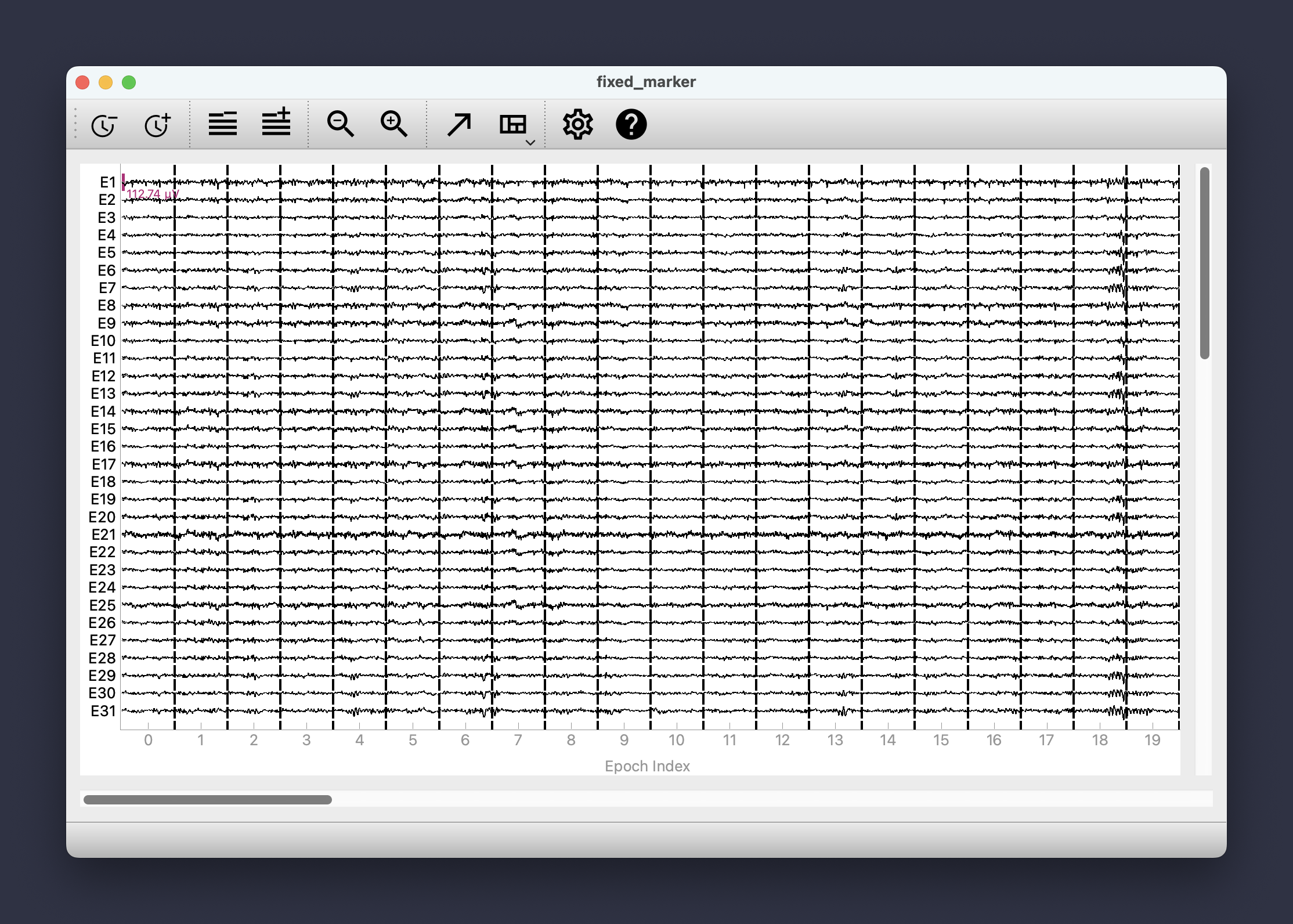 AutocleanEEG’s `view` subcommand provides a simple CLI wrapper around the excellent MNE Qt Browser project. Learn more at [https://github.com/mne-tools/mne-qt-browser](https://github.com/mne-tools/mne-qt-browser).